
Product Support
Support for WeCreat Lumos Ultra
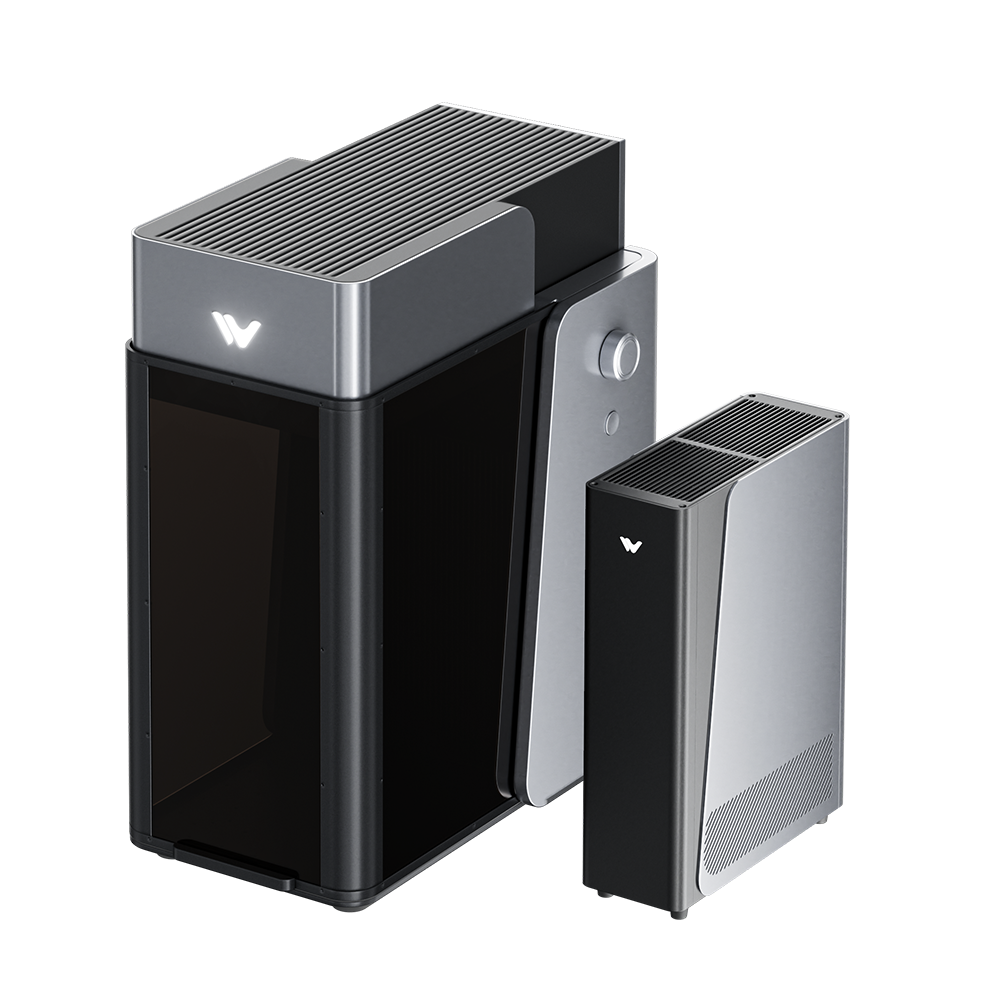
Desktop Laser Engraver for Versatile Creations
Technical Support
Get assistance from our experts to identify and resolve issues.
Request Now
MakeIt Software
Explore tutorials and tips in the WeCreat MakeIt learning center.
Start Learning
WeCreat Community
Join fellow creators to share ideas, tips, and inspiration.
Join Now
Warranty Policy
Check coverage terms for your country or region.
View Policy
Watch & Learn
Unboxing and Setup
Make the first Project
Camera Calibration
Clean and Maintenance
Relief Engraving using Ultra and MOPA
Color engraving using Ultra and MOPA
Repack the Lumos Ultra
Use the Auto Flow Conveyor with Ultra
MOPA Camera Calibration
Green Lens Offset Calibration
Tumbler Engraving with Ultra and Rotary
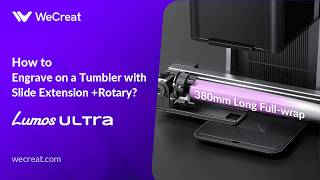
Use the Rotary and Slider with Ultra
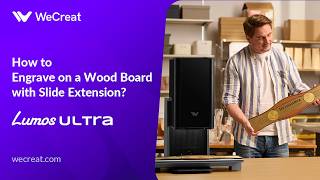
Use the Slide Extension with Ultra
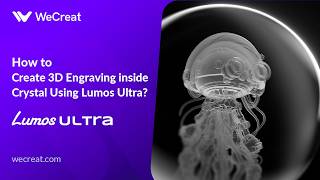
3D Crystal Inner Engrave
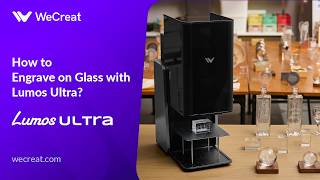
Glass Engraving with Ultra
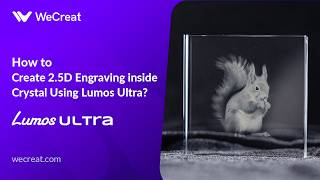
2.5D Crystal Inner Engraving
Features
- How to Install MOPA Device and Fullfill Relief Engraving
- How to Use the Rotary Attachment with Lumos Ultra
- How to Set Up the Rotary Attachment with Slide Extension on Lumos Ultra
- Video: How to Create 2.5D Engraving Inside Crystal Using Lumos Ultra?
- Video: How to Engrave on Glass with Lumos Ultra?
- What is the Field Lens and How to Install?
- Video: How to Create 3D Engraving Inside Crystal Using Lumos Ultra?
- Explanations about Frequency and Pulse Width
Getting Started
- Lumos Ultra Unboxing & Quick Setup Guide
- How to Connect Lumos Ultra to WeCreat MakeIt Software
- How to Install MOPA Device and Fullfill Relief Engraving
- How to Use the Rotary Attachment with Lumos Ultra
- How to Use the Slide Extension with Lumos Ultra
- How to Set Up the Rotary Attachment with Slide Extension on Lumos Ultra
- User Manual For Lumos Ultra 6W UV
- Field Lens Guide: Usage Scenarios & Installation
- Video: How to Engrave on a Wood Board with WeCreat Lumos Ultra?
- Video: How to Create 2.5D Engraving Inside Crystal Using Lumos Ultra?
- What is the Field Lens and How to Install?
- Video: How to Create 3D Engraving Inside Crystal Using Lumos Ultra?
- Difference Between Unidirectional 3D Crystal Engraving and Omnidirectional 3D Crystal Engraving
- Explanations about Frequency and Pulse Width
Materials & Settings
- Video: How to Engrave on a Wood Board with WeCreat Lumos Ultra?
- Black Aluminum Sheet
- Video: How to Create 2.5D Engraving Inside Crystal Using Lumos Ultra?
- Video: How to Engrave on Glass with Lumos Ultra?
- Video: How to Create 3D Engraving Inside Crystal Using Lumos Ultra?
- Explanations about Frequency and Pulse Width
User Manual