
Product Support
Support for WeCreat Vista
The Better Crafter Laser
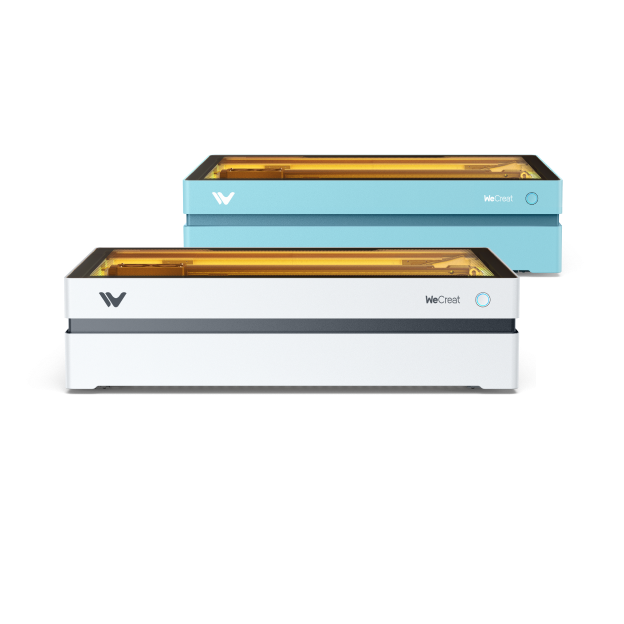
Technical Support
Get assistance from our experts to identify and resolve issues.
Request Now
MakeIt Software
Explore tutorials and tips in the WeCreat MakeIt learning center.
Start Learning
WeCreat Community
Join fellow creators to share ideas, tips, and inspiration.
Join Now
Warranty Policy
Check coverage terms for your country or region.
View Policy
Watch & Learn
Unboxing

Make the first project
Cleaning
Tumbler Engraving
Getting Started
- Measure the thickness of material automatically for Vista laser
- Vista: How to Unbox and Set Up Your WeCreat Vista Laser
- Vista: How to Make an Engraving on Flat Materials with WeCreat Vista
- Video: How to Do Thickness Calibration and Auto Measure for Vista?
- Video: How to Use Vista 10W Laser to Work with Auto Pass-through Feeder
Maintenance
- Video: How to Repack Your Vista Laser Properly
- Vista: How to Repack Your Vista Laser Properly
- User Manual for WeCreat Vista Rotary Anchor Plate
- How to Calibrate the Camera for Vista 2W Infrared Laser
- Video: How to Re-install the Thumb Screw and Spring for Vista Laser Module?
- How to Replace the Exhaust Fan for WeCreat Vista 10W
- How to Replace the Fan on the Vista 10W/20W Laser Module